
Downloading & Using Your Digital Ticket
How to Download to Apple & Google Wallet (Mobile Only):
26/27 Season Ticket Holders can download a copy of their season ticket by clicking on the email link sent to their registered email address.
Tap the correct wallet option
Android: Top right – ‘Add’
Apple: Bottom right – ‘Add’
Ticket is now saved in your wallet
Key Info:
Cannot print or screenshot tickets
Works without internet once downloaded
Access Your Ticket via the BFC App (Mobile Only):
The official Burnley FC app is available for download on both the App Store and Google Play.
Supporters can access their Match and Season tickets by signing in using their registered email address. Once logged in please head to the 'Tickets' option at the bottom middle of the home page.
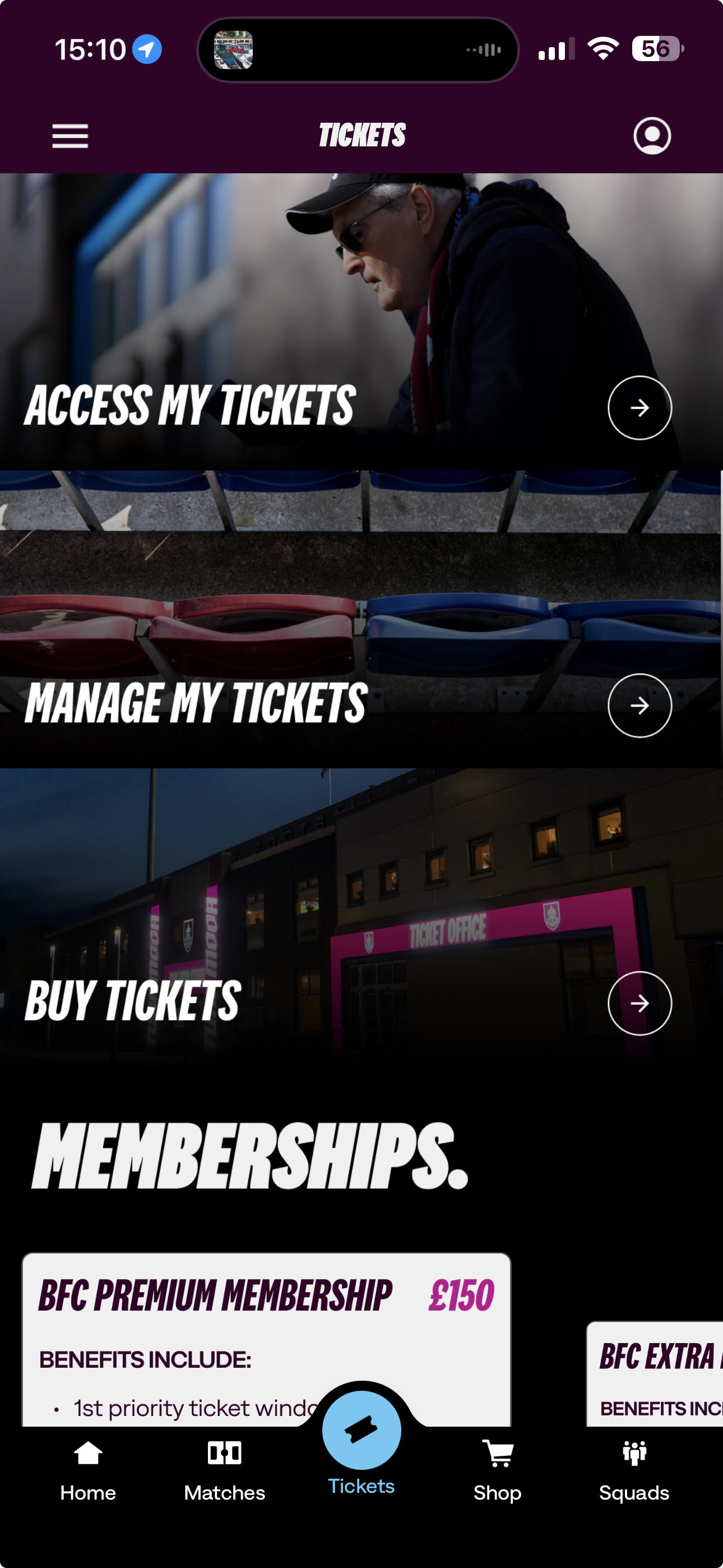
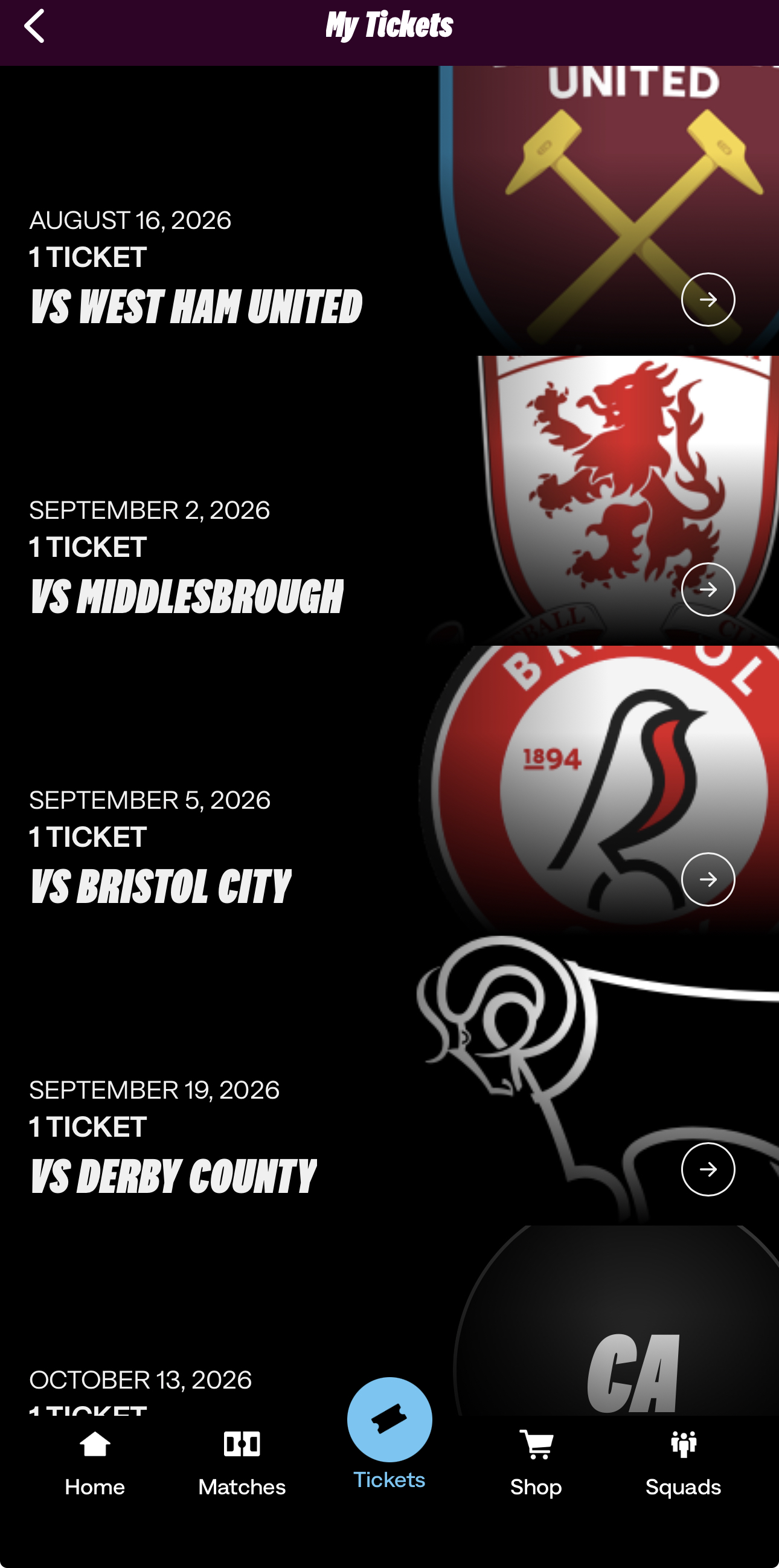
Select 'Access My Tickets' and a list of available Matches will be displayed, matches will appear in your wallet approximately 3 weeks in advance of the fixture.
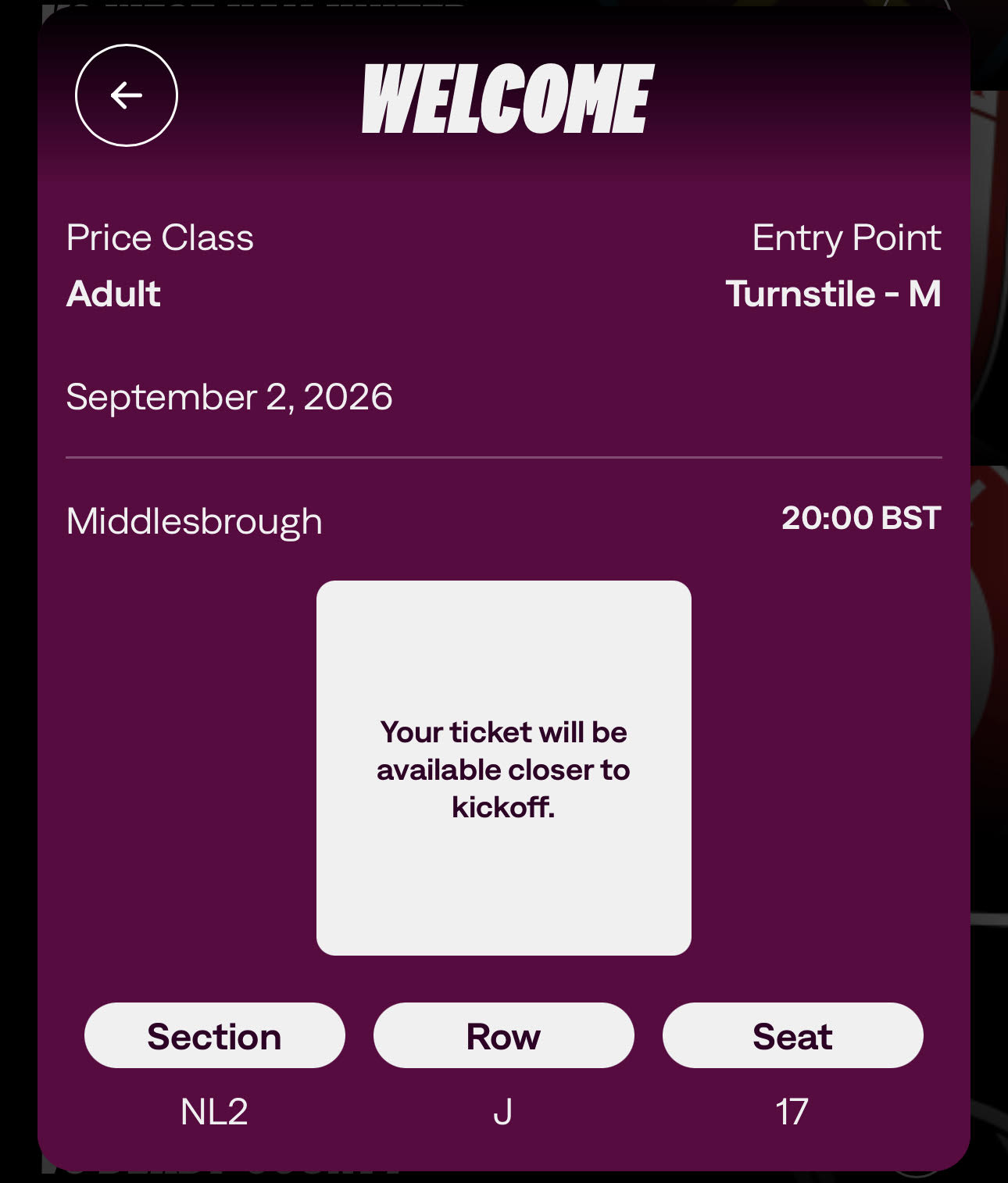
Click on the fixture of interest and your seat information for that game will appear. QR code will appear approximately around 2 hours before kick off.
MATCHDAY ENTRY
Open your Wallet App or Burnley FC App
Present the QR code to the turnstile scanner
Wait for the green light and enter
Issues
Check you’re using the right ticket
Refresh wallet
Ask a steward or visit the ticket office
MULTIPLE TICKETS / JUNIORS / GUESTS
Supporters can hold multiple add to wallet tickets on their device and swipe through them at turnstiles. The BFC app tickets will be linked to the registered email address of the attendee.
Juniors without phones: Add their ticket to your device
You can Forward tickets via Your Clarets Ticketing account - A full guide is available here: TICKET FORWARDING
You can upgrade your tickets via your Clarets Ticketing account - A full guide is available here: TICKET UPGRADING
You can exchange/sell your ticket via your Clarets Ticketing account - A full guide is available here: TICKET EXCHANGE
TROUBLESHOOTING
Common Issues:
| Problem | Solution |
|---|---|
| Accidentally deleted ticket | Re-download from email or Burnley FC app |
| Ticket shows as expired | Unhide expired passes in wallet settings |
| Phone died | Visit ticket office with ID for reissue |
| No wallet app | Install Apple/Google Wallet or contact ticket office |
| Using a work phone | Forward ticket email to your personal device |
| Error downloading | Update OS, app, and wallet; check connection; contact support if needed |
Contact:
01282 446800
ticketoffice@burnleyfc.com
Was this article helpful?
That’s Great!
Thank you for your feedback
Sorry! We couldn't be helpful
Thank you for your feedback
Feedback sent
We appreciate your effort and will try to fix the article