Select Categories
Tickets and Memberships
- Season Tickets 2026/2027
- Direct Debit Management
- Seat Moves 2026-27
- DIgital Tickets 2026 - 2027
- Ticket Purchases and Management
- BFC Memberships
- Ticket Exchange
- Ticket Office
- Ticket Upgrade
- Ticket Forwarding
- Away Tickets
- Digital Tickets at Turf Moor
- Ticket Touting
- Match Day Ticket Information
- Visiting Supporters
- Stadium Enhancement FAQs
Hospitality
Accessibility
General Enquiries
Stadium Tours
Clarets Store
My Clarets Account
Season Tickets
How to buy reserved tickets (Cup games & friendlies)
How to: Reserving Tickets
For cup games, Season Ticket Holders will be granted the opportunity to reserve their seats.
To find out how to reserve seats for your friends and family, please see "how to reserve tickets for friends and family".
Step 1.
Click on the account icon to view your personal hub.
Under notifications you will see Reserved Tickets (X) tickets.
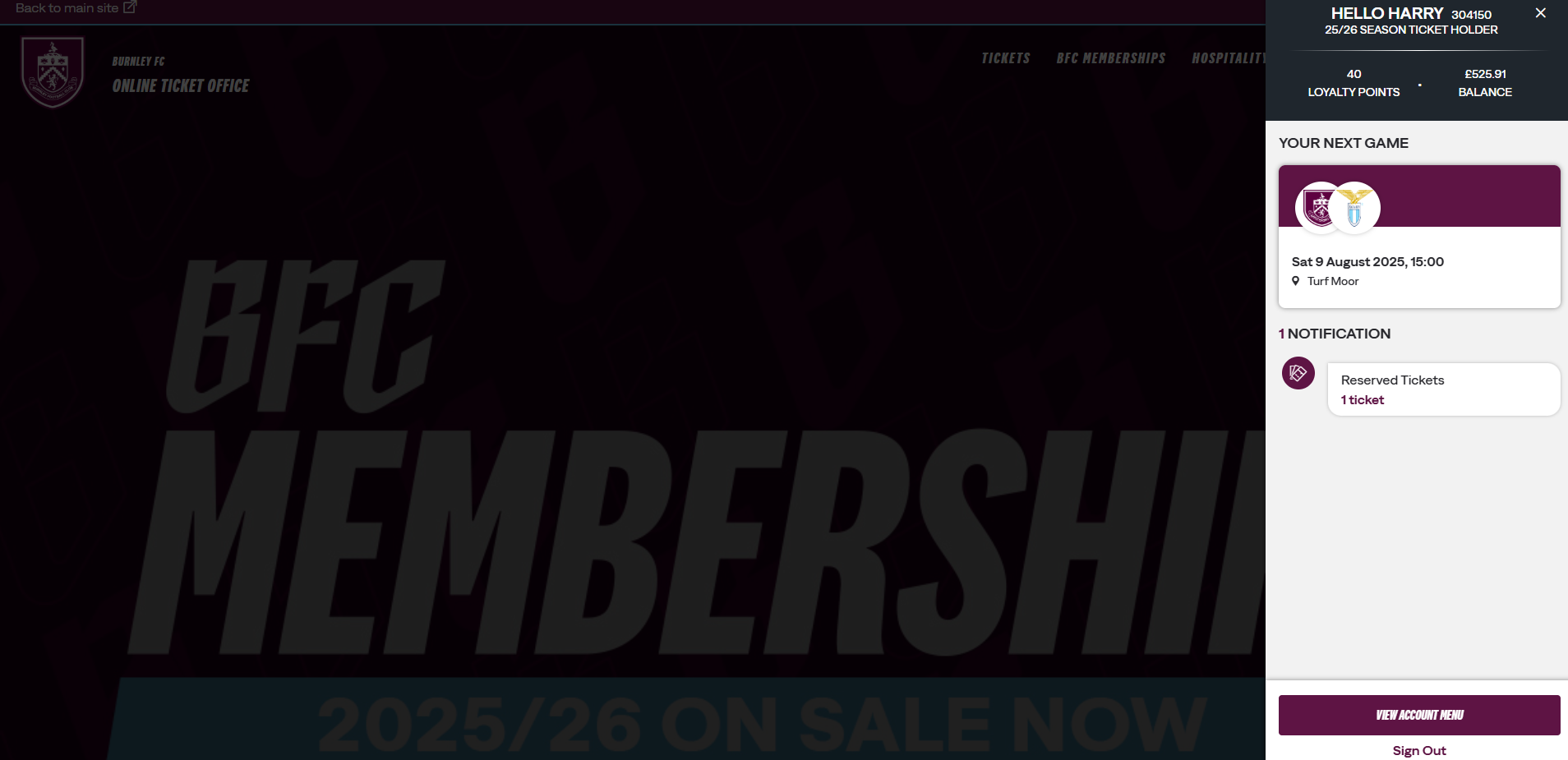
(Alternatively, to view your reserved tickets, click the account icon > view account menu > ticketing > reserved seats.)
Step 2.
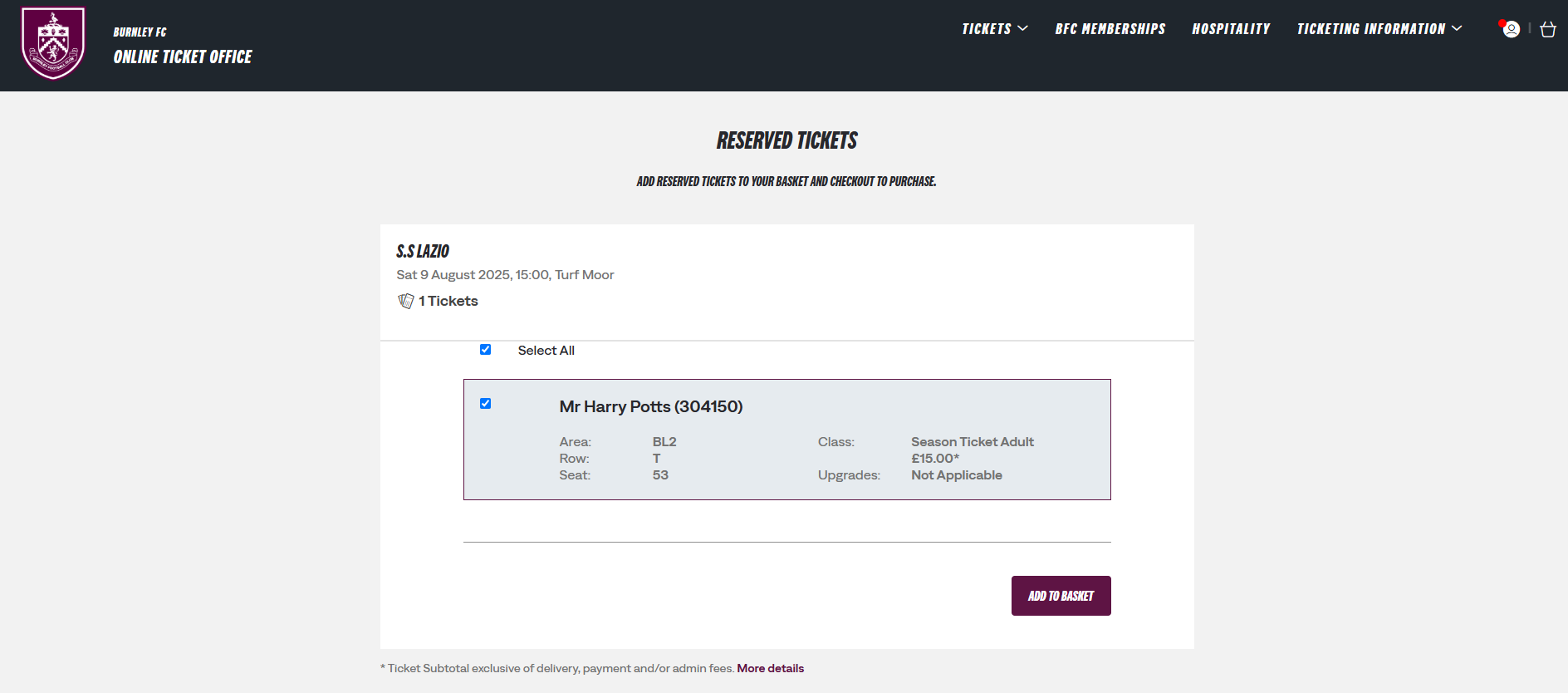
You will see your reserved tickets.